


Headphone Charging Station for AirPods Max Magnetic Headset Charger Dock USB-C with Dual Connectors Headphones Accessories
- Prix normal
-
€53,13 - Prix normal
-
€23,23 - Prix de vente
-
€53,13
Impossible de charger la disponibilité du ramassage
Shipping information
Use collapsible tabs for more detailed information that will help customers make a purchasing decision.
Ex: Shipping and return policies, size guides, and other common questions.
Returns information
Use collapsible tabs for more detailed information that will help customers make a purchasing decision.
Ex: Shipping and return policies, size guides, and other common questions.


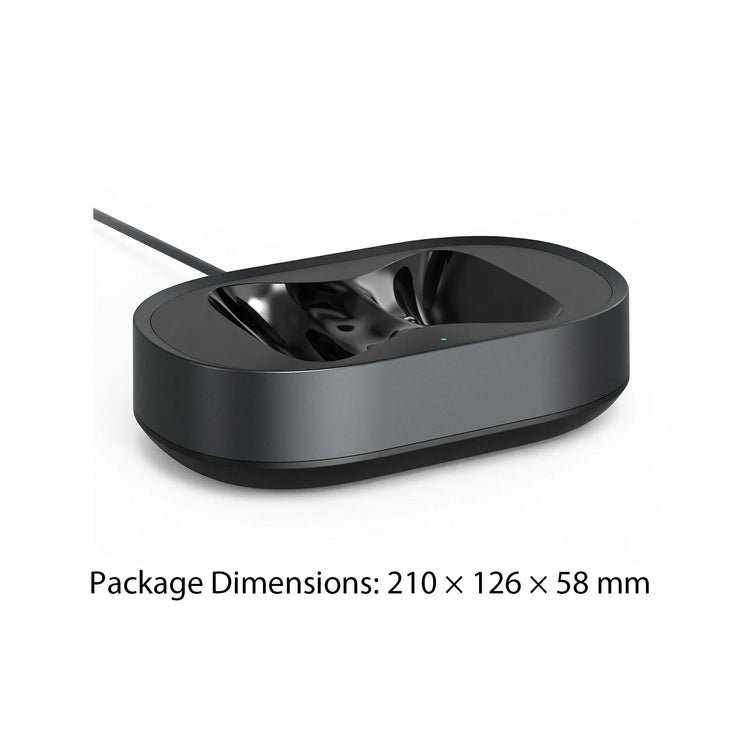

Product Details
SPECIFICATIONS
Brand Name: Shunmaii
Choice: yes
Color: Black
High-concerned chemical: None
Input Voltage: 5V=1.5A
Material: Plastic,ABS Plastic
Origin: Mainland China,Mainland China
Output Voltage: 5V=1.5A
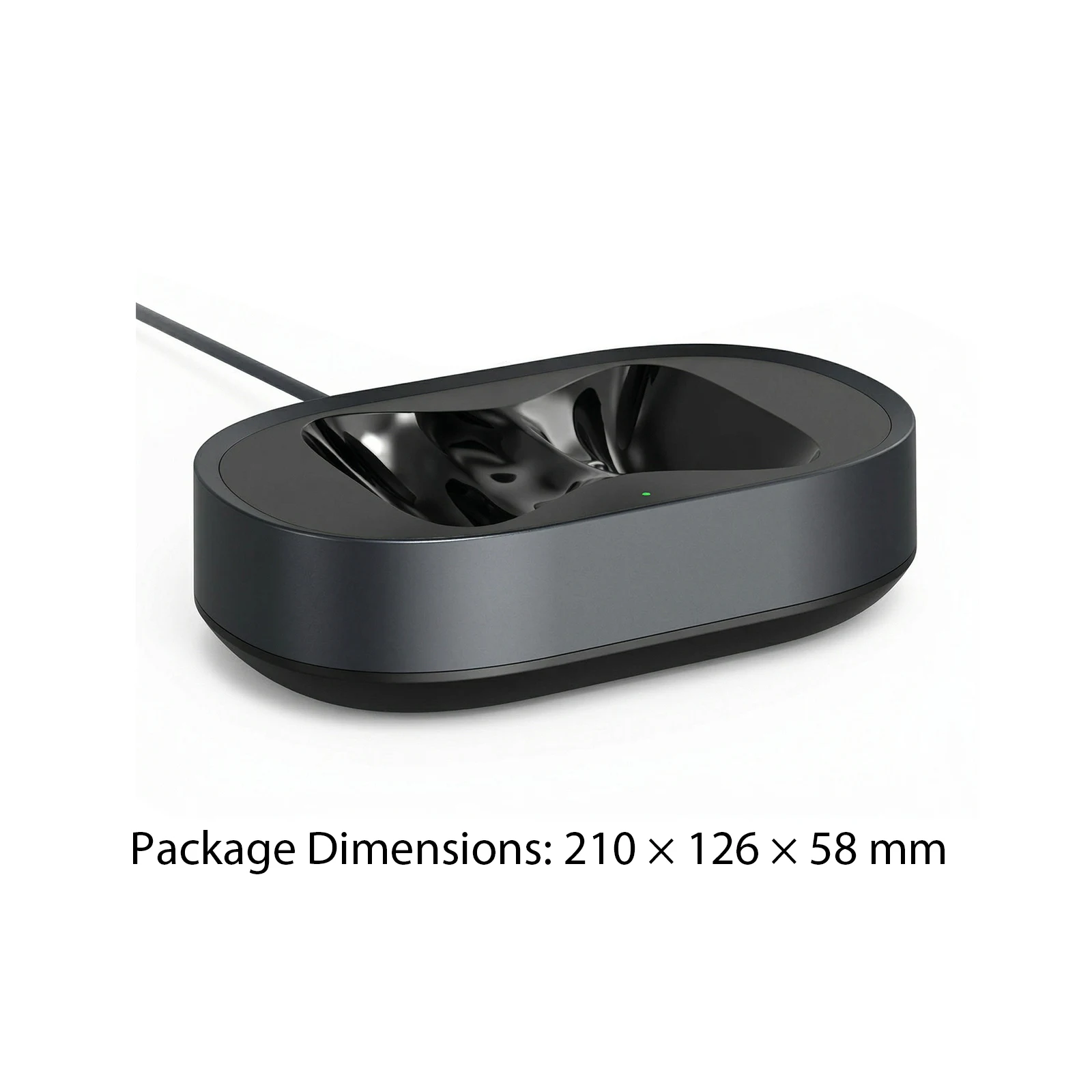
Packaging size: 210x126x58mm
Product Name: Charging Dock
Weight: 400g

Headphone Charging Station Fit for AirPods Max Headphones Accessories Magnetic Headset Charger Dock USB-C with Dual Connectors Anti-Scratch
Features: 1.Lasting Construction: Made of ABS material, this headphone charging station offers lasting performance. Its solid build is ideal for at home, office, or travel use, guaranteeing reliability and extended device life. 2.Clear Charging Status: The intuitive LED indicator on the magnetic headset charger dock lets you monitor your charging process at a glance. Know precisely when your headphones are ready for use with vivid lighting cues. 3.Scratch Prevention Design: The desktop headset holder features a carefully designed stand that shields your headphones from surface scratches, keeping them in pristine condition and extending their lifespan. 4.Versatile Connectivity: Equipped with both USB-C and forlightning magnetic connectors, this protable charging dock supports various devices and ensures seamless compatibility for users whatever their headphone model. 5.Easy-to-Follow User Manual: The included instructions clearly guide you through setup and usage of the charging base, providing step-by-step help for cable insertion, connector selection, correct placement, and charging progress monitoring. Specification: Material: ABS Plastic Origin: Mainland China Product Name: Charging Dock Color: Black Input Voltage: 5V=1.5A Output Voltage: 5V=1.5A LED Indicator: Orange light illuminates during charging; green light remains on when fully charged. Packaging size: 210x126x58mm Weight: 400g User Guide: 1. Insert the charging cable. The indicator light will remain solid green after the charging case is powered on. 2. Select the appropriate magnetic connector based on the type of charging port on the earbuds and insert the connector into the port. 3. Hold the left and right earcups with both hands (ensuring the earcups do not tilt to the sides), and then place the earbuds into the recesses of the charging case. Before placing them, ensure that the magnetic connectors on the earcups and the magnetic connectors on the charging case are on the same side. After placing the earbuds, you will hear a "beep" sound after about 2-3 seconds. If you do not hear a beep, gently adjust the earcups to maintain alignment until you hear the beep. At this time, the indicator light on the charging case will change from green to orange, and the earbuds will begin charging. 4. While charging, the indicator light on the charging case will remain orange. Once the earbuds are fully charged, the indicator light will turn solid green.
Note: 
1 x Charging dock
1 x Charging cable 1 x USB-C magnetic connector 1 x forLightning magnetic connector 1 x Instruction manual
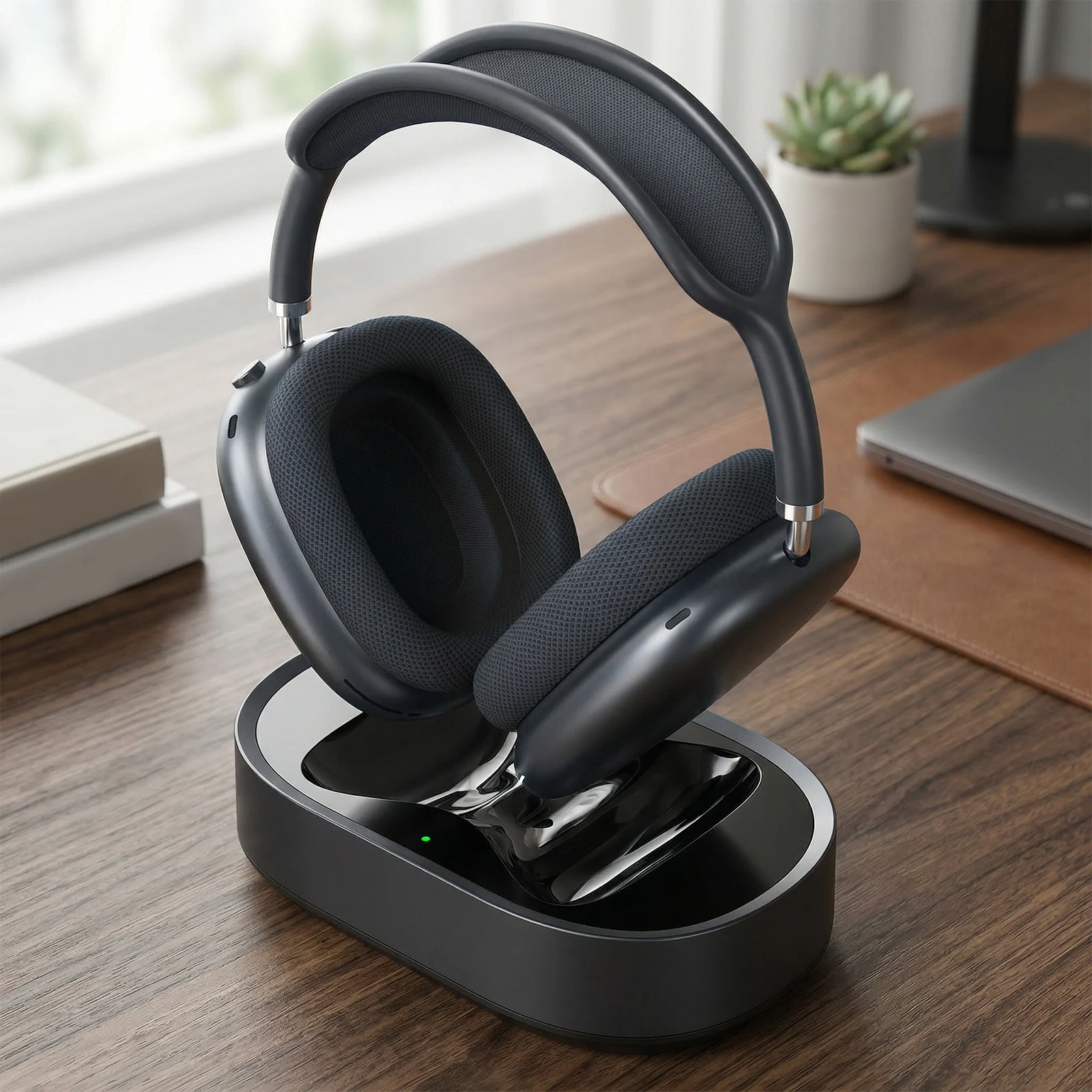  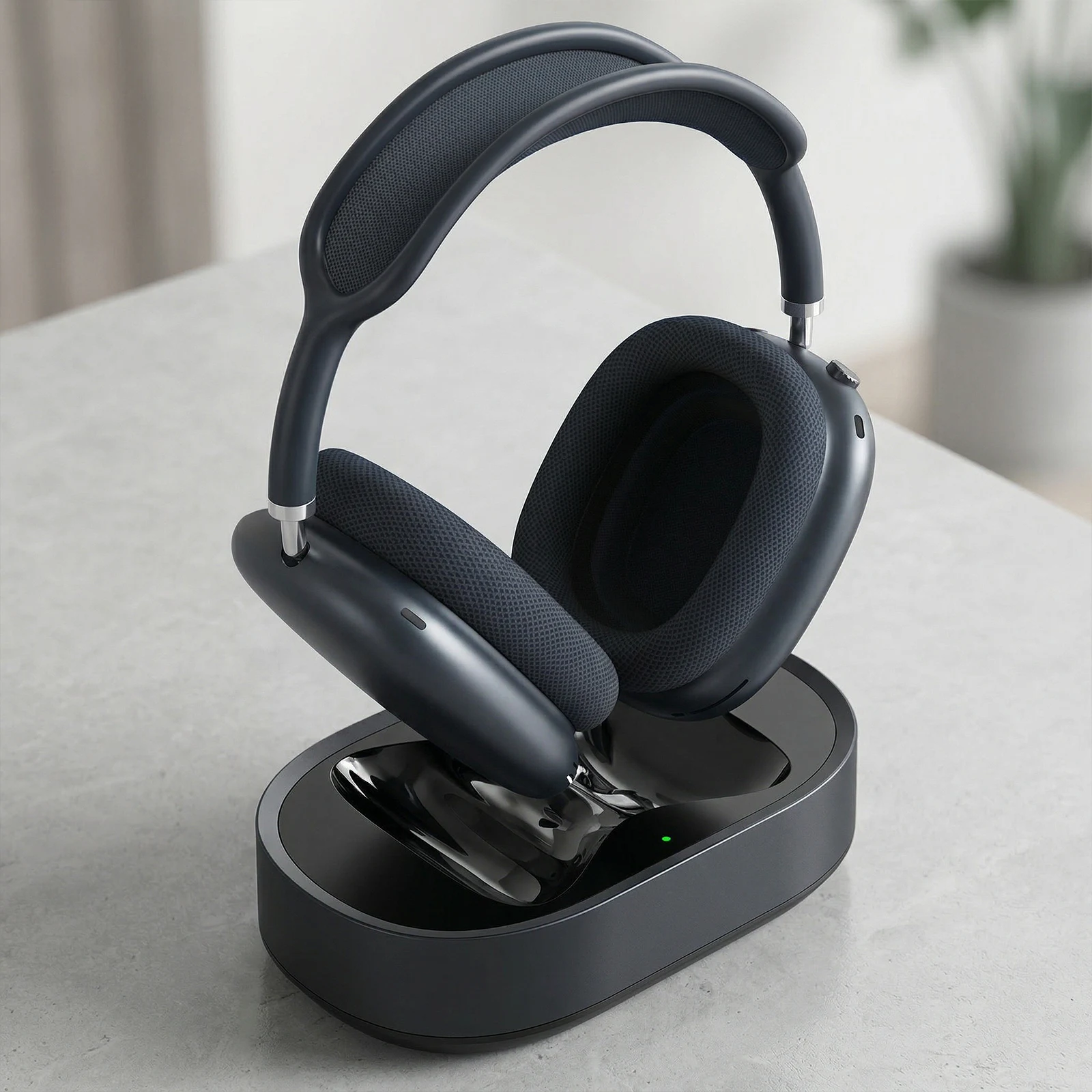 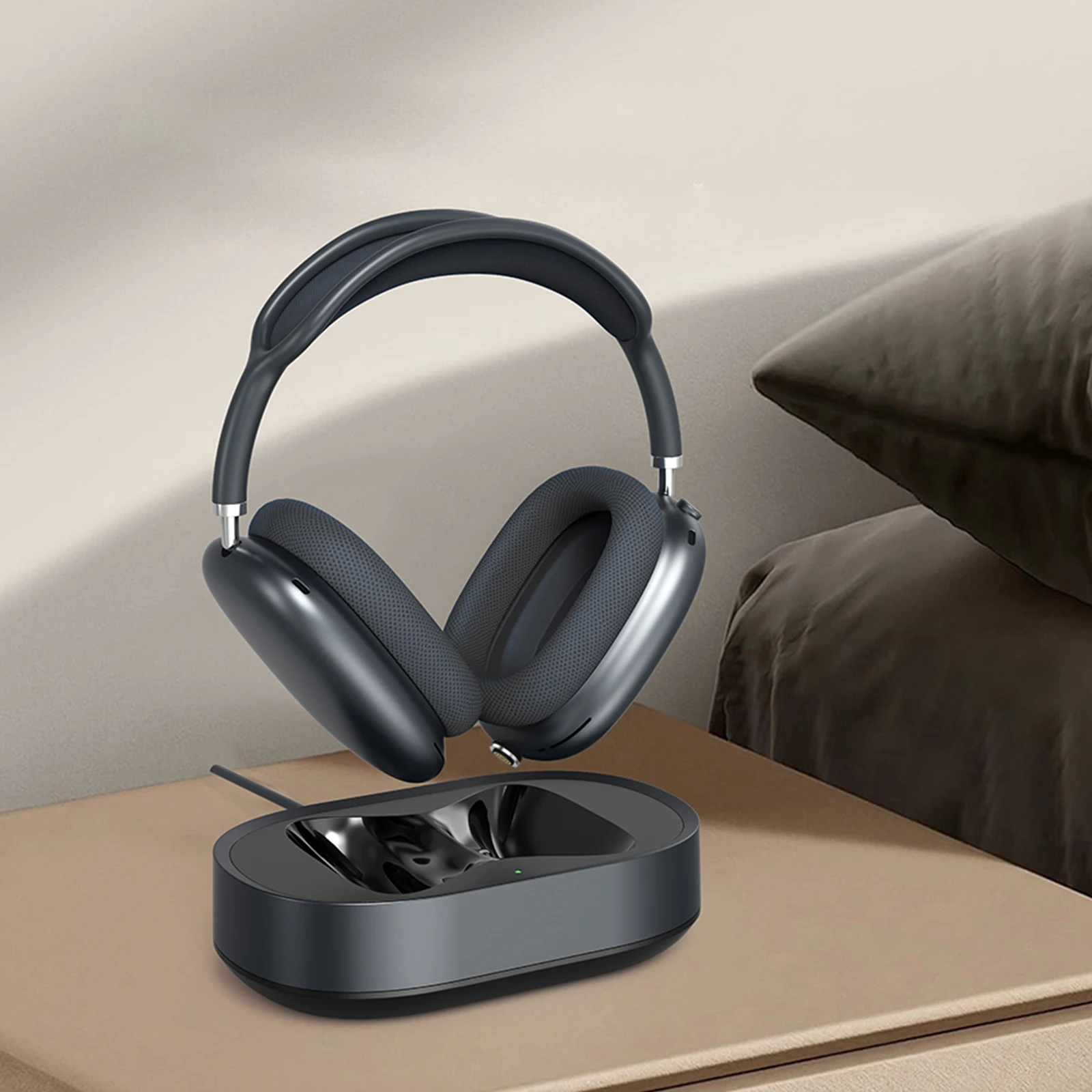 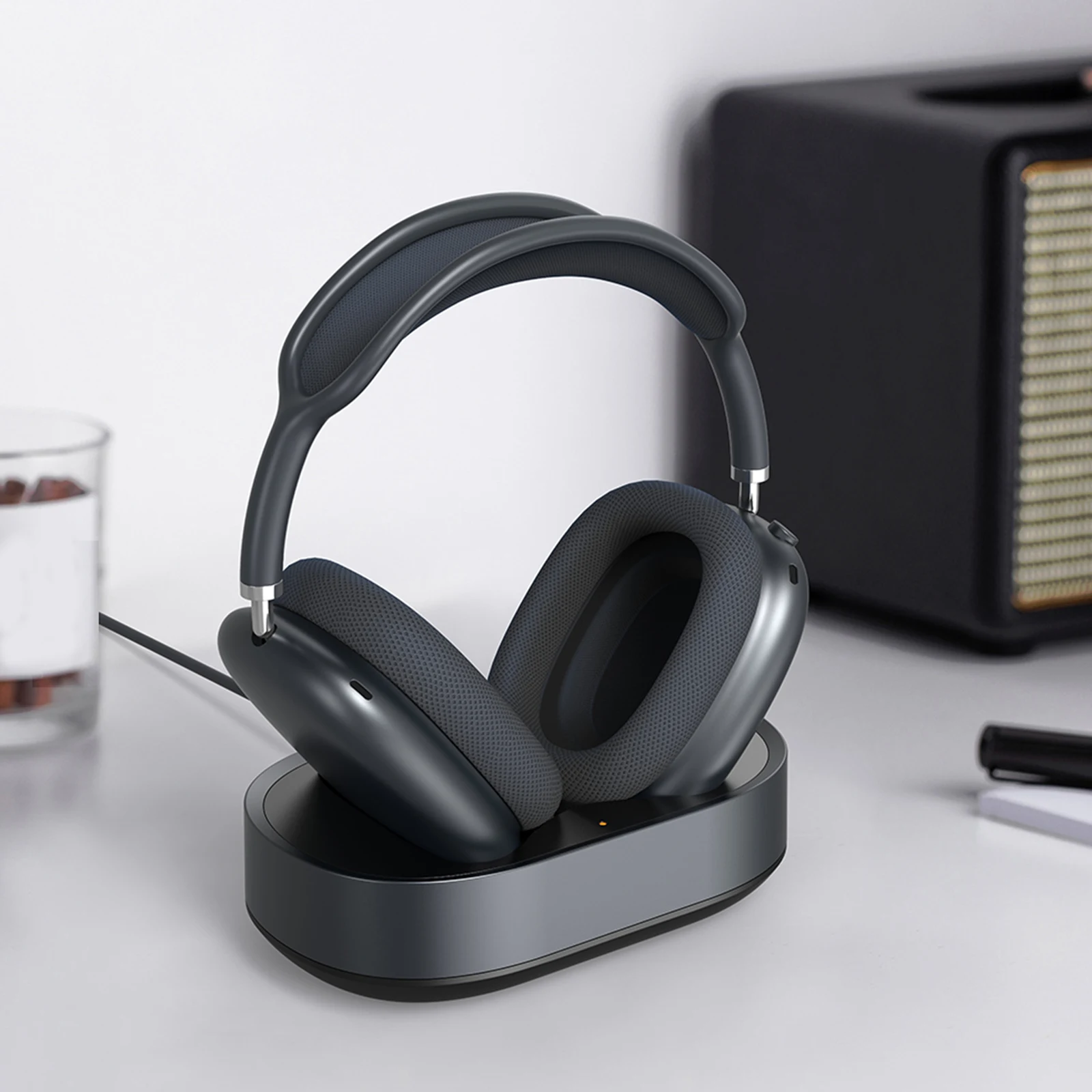 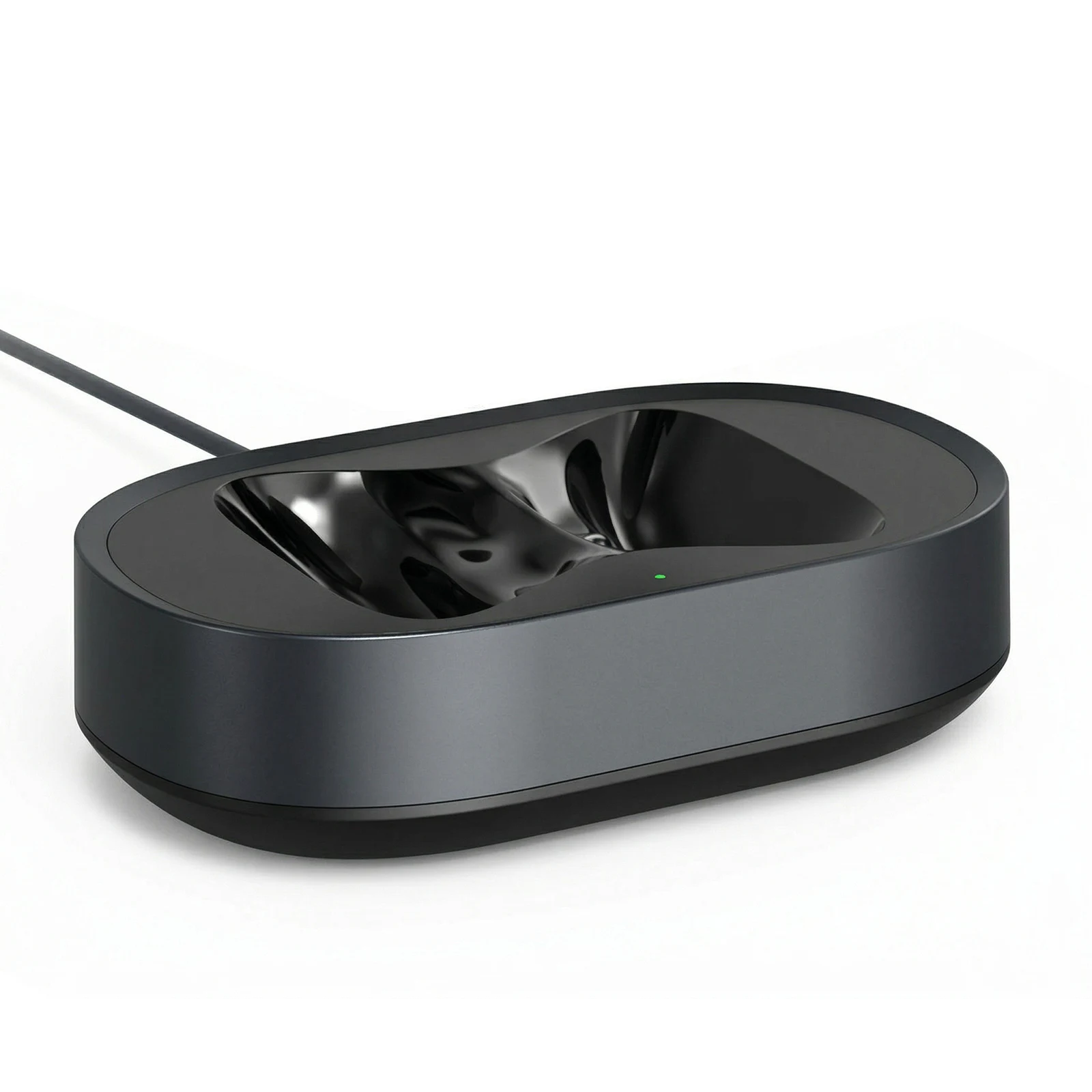 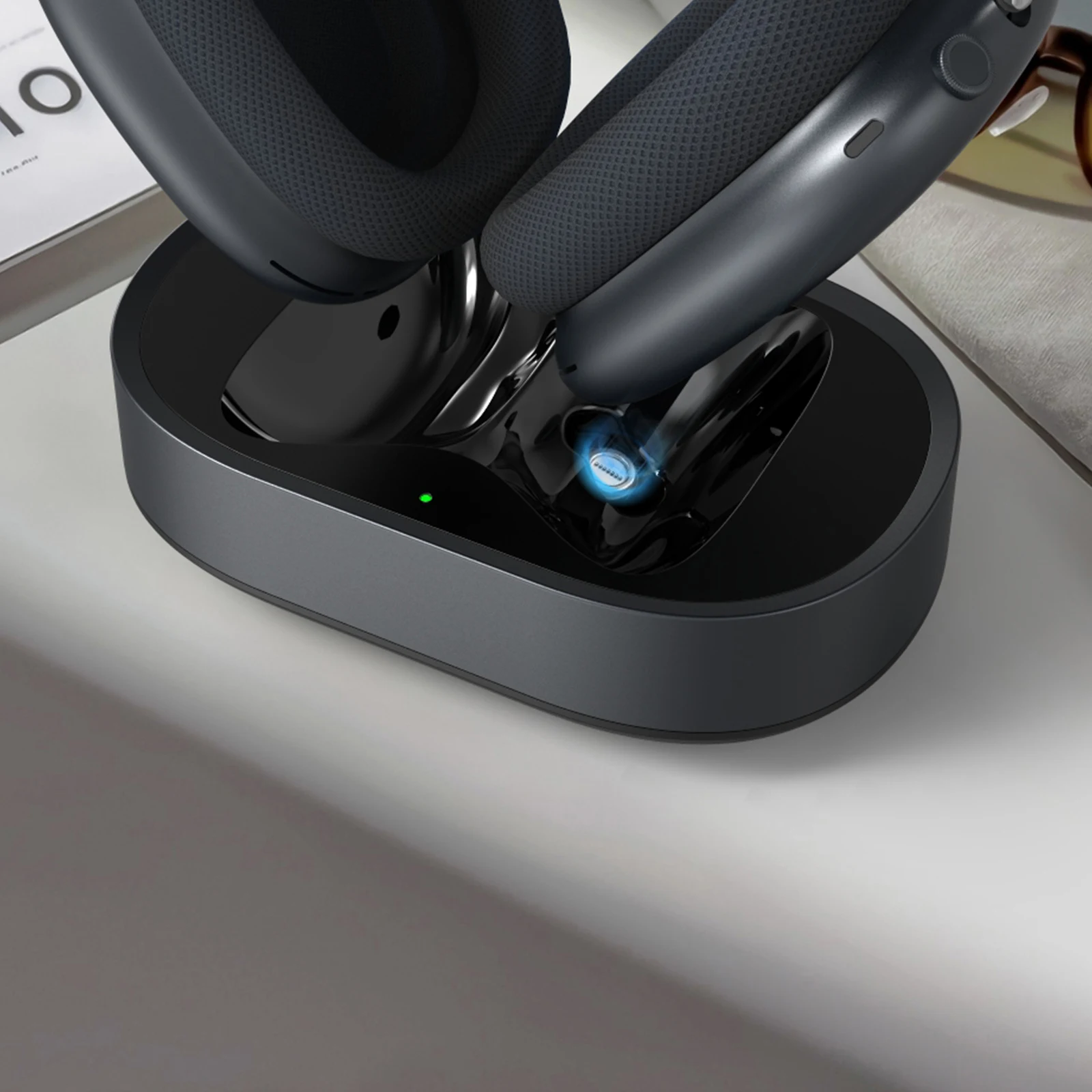 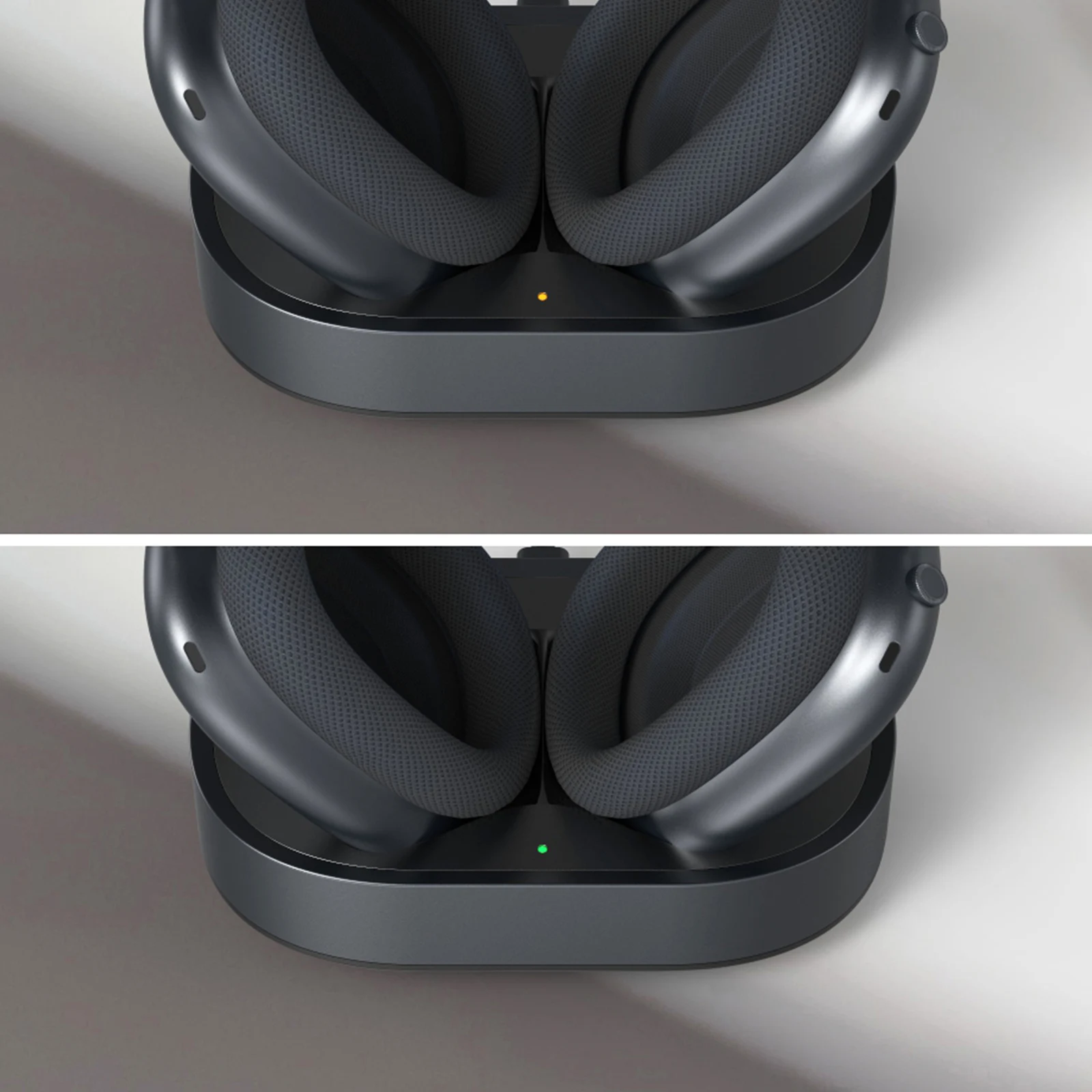 
 |

1. Collapsible tab
Share information about your brand with your customers. Describe a product, make announcements, or welcome customers to your store.
2. Collapsible tab
Share information about your brand with your customers. Describe a product, make announcements, or welcome customers to your store.
3. Collapsible tab
Share information about your brand with your customers. Describe a product, make announcements, or welcome customers to your store.
Tab collage
1. Image heading
2. Image heading
3. Image heading
4. Image heading
Pair text with an image to focus on your chosen product, collection, or blog post. Add details on availability, style, or even provide a review.
Pair text with an image to focus on your chosen product, collection, or blog post. Add details on availability, style, or even provide a review.
Pair text with an image to focus on your chosen product, collection, or blog post. Add details on availability, style, or even provide a review.
Pair text with an image to focus on your chosen product, collection, or blog post. Add details on availability, style, or even provide a review.
Testimonials
Author's nameAdd customer reviews and testimonials to showcase your store’s happy customers.
Author's nameAdd customer reviews and testimonials to showcase your store’s happy customers.
Author's nameAdd customer reviews and testimonials to showcase your store’s happy customers.
Author's nameAdd customer reviews and testimonials to showcase your store’s happy customers.
Author's nameAdd customer reviews and testimonials to showcase your store’s happy customers.